
An online booking page for your business
Tuwexinc Appointments (TA) turns your schedule into a branded client experience with live availability, paid checkout, on-site service intake, calendar automation, and clear controls for how each business accepts bookings.
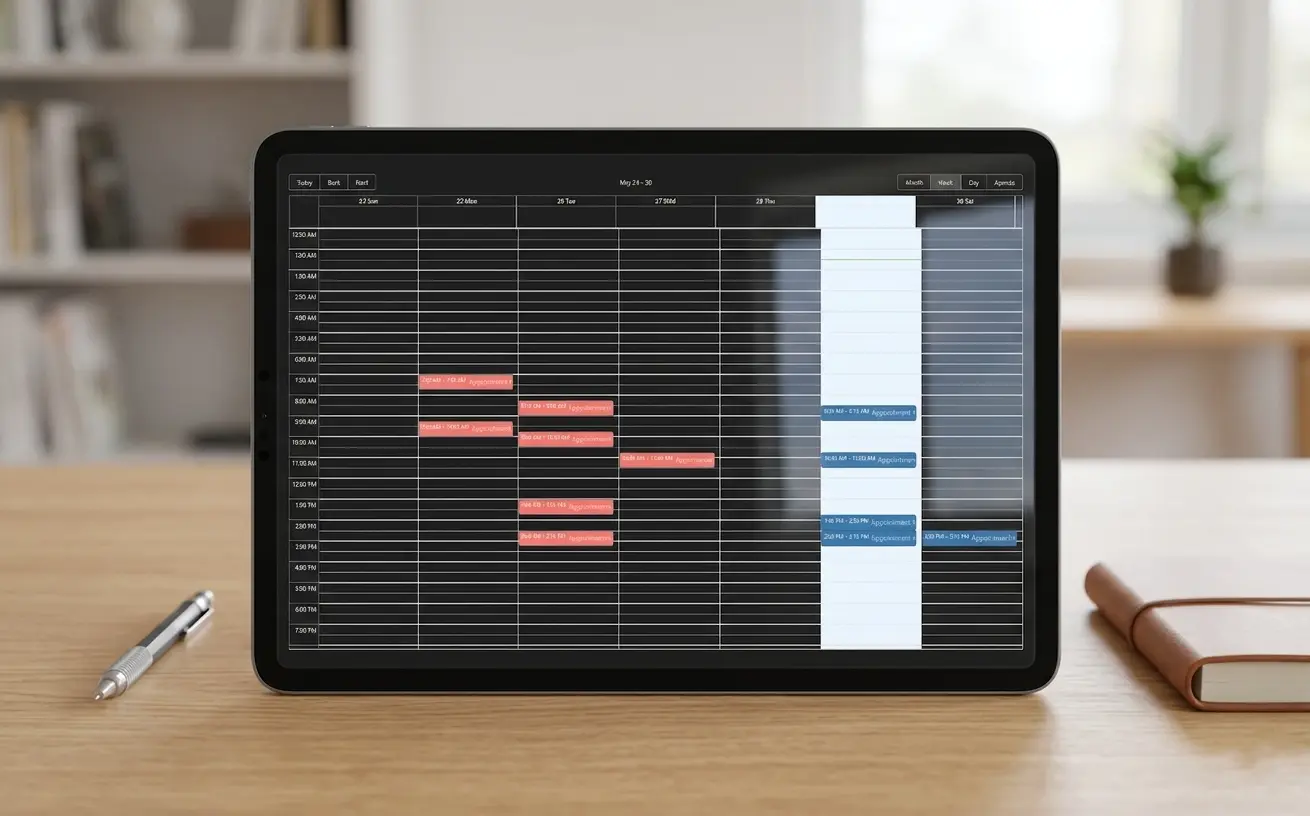
May 2026
Built around the way appointment businesses actually operate
TA handles the details that usually create friction: daily slot setup, date-specific exceptions, timezone conversion, paid bookings, and on-site service intake.
Scheduling control
Make availability flexible without making booking messy
Admins can define simple slot configuration by day, add exception invalidations for specific dates, and keep connected appointments organized when availability changes.
 Google Calendar sync
 Google Meet links
Day-by-day slot rules
Create different availability windows for each day of the week without rebuilding the booking page.
Date exceptions
Block or override specific dates for holidays, travel days, private events, or temporary schedule changes.
Automatic invalidation
When an exception affects existing availability, the platform can invalidate impacted appointments and trigger cancellation handling.
Connected appointments
Calendar sync and virtual appointment links stay attached to the booking without making the client repeat steps.
From availability to confirmation
The flow adapts to the business configuration, whether the appointment is free, paid, remote, or delivered at the customer's location.
Read the Schedule Rules
Availability is generated from daily slot configuration, date exceptions, existing events, and business timezone.
Share Booking Details
They enter name, email, notes, and when enabled, on-site service details including phone number and address.
Pay When Required
For paid services, checkout opens before confirmation and returns the client to the right booking state automatically.
Sync and Confirm
Successful bookings confirm the appointment, sync calendar context, and keep virtual or on-site details attached.