
Online appointment booking
Let clients book time with your business.
Give clients a simple way to choose an available time and book an appointment with your business.
Booking preview
May 2026
SMTWTFS12345678910111213141516171819202122232425262728293031
10:00 AM
11:30 AM
2:15 PM
Everything you need to take bookings
Real-Time Availability
Clients only see open slots calculated from your business schedule, blocked dates, overrides, and existing events.
Simple Slot Configuration
Configure appointment windows by day, then let the booking page generate the available times clients can actually pick.
Exception Invalidations
Invalidate availability for specific dates with exception rules, including automatic cancellation handling when schedules change.
Optional payments
Clients are asked to pay only when payments are enabled for their booking.
Flexible service options
Offer virtual or on-site appointments, and collect an address and service notes when needed.
Clear across time zones
Clients see times in their own time zone while your schedule stays in yours.
From availability to confirmation
01
Choose a time
Clients open your booking page and pick an available appointment.
02
Add details
They enter their contact information. If payments are enabled, they complete checkout before confirmation.
03
Get confirmation
The booking is confirmed with the details they need for their appointment.
For your business
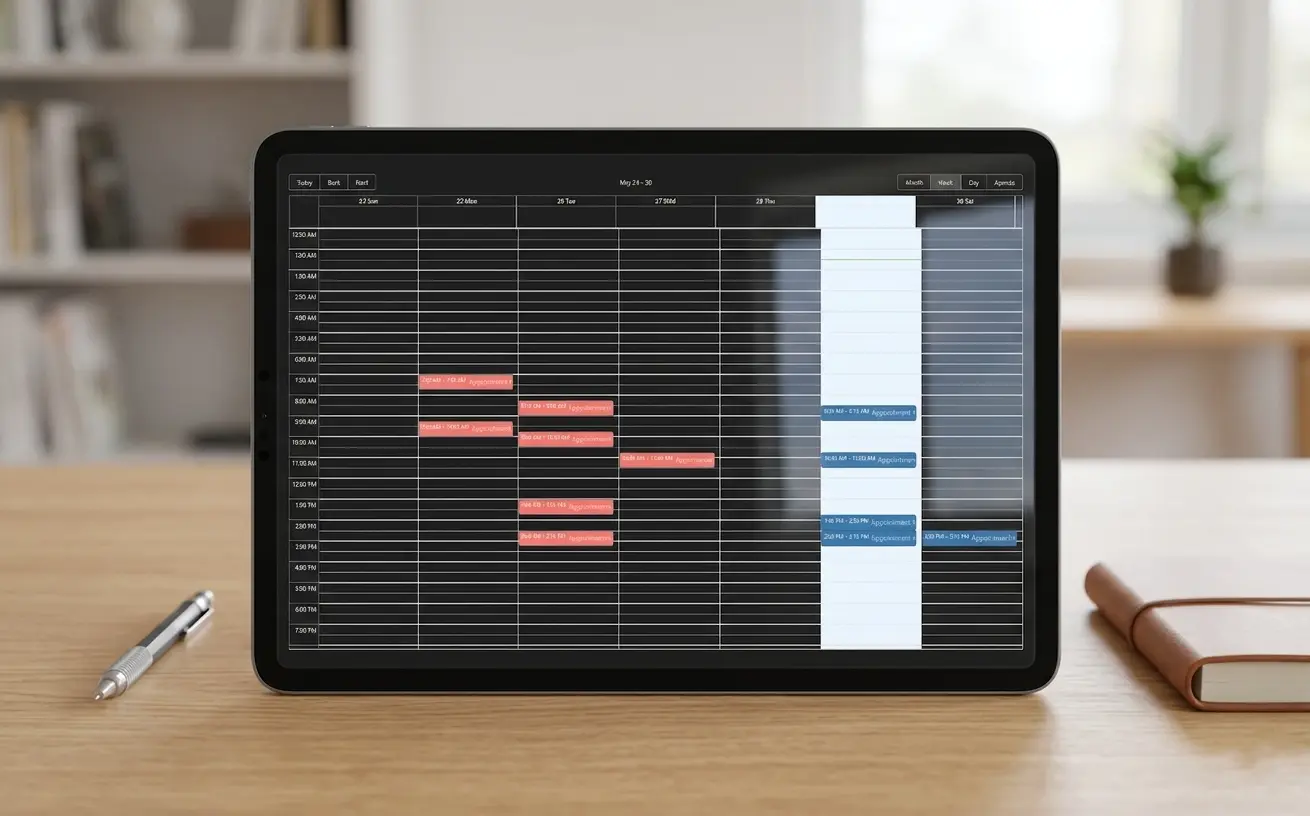
Your calendar, at a glance
Clients book here. You manage your calendar and booking settings in the administration app.
Connected to the tools you use

Google Calendar
Keep confirmed appointments connected to your calendar.

Google Meet
Include a meeting link for virtual appointments.
Ready to make booking easier?
Talk to Tuwex Inc about online appointments for your business.